ESPVisual
Vexor brings a polished launcher, 50+ modules, performance tools, and a growing creator marketplace into one simple Minecraft experience.
Module library

Movement, visuals, combat, player tools, and plenty more—kept approachable so you can turn on what you want and tune it your way.
Trim unnecessary visual work and keep your game feeling responsive, even with the Vexor interface and visual tools running.
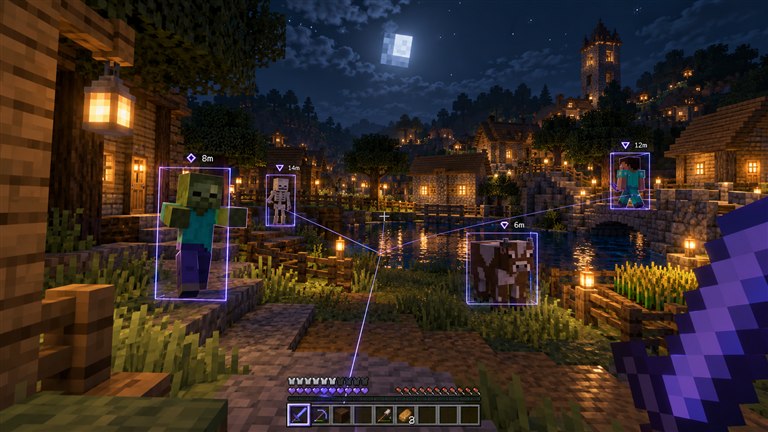
Spot players, mobs, and items with configurable boxes, labels, tracers, colors, range limits, and display modes.
Place selected blocks beneath your movement with adjustable timing and forward extension when you need a helping hand.
Press F8 for a clean, searchable interface with module settings, keybinds, profiles, and quick controls inside Bedrock.
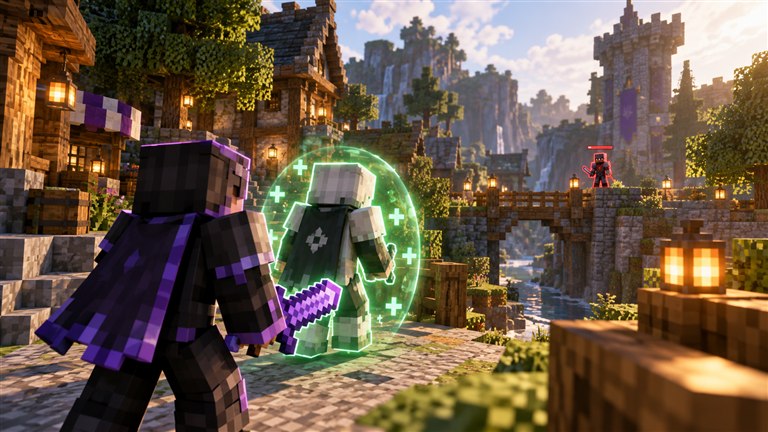
Keep friends protected from combat modules, highlight them with their own ESP color, and use shared anti-bot checks to avoid obvious display actors.
We add more modules and improvements with every Vexor update.
Start with popular Vexor modules, then shape the client around the way you like to play.
VisualEntity boxes, labels, tracers, distance, and colors.
MovementPlaces selected blocks beneath predicted movement.
 Movement
Local flight controls and movement speed.
 Visual
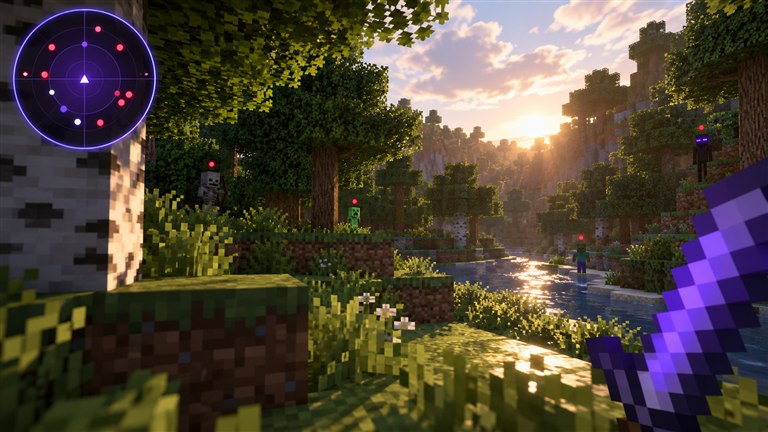
Compact nearby-entity radar.
 Combat
Friend protection, capture, labels, and configurable ESP.
 Visual
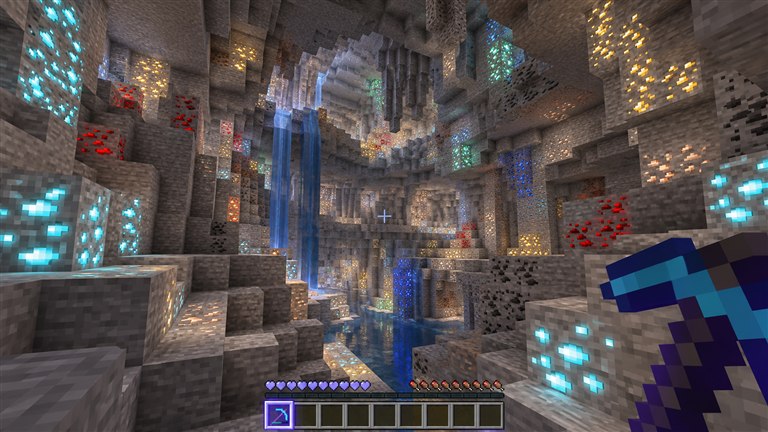
Local command-free brightness lift.
Explore community-made modules through Vexor’s marketplace, discover new ways to play, and keep everything organized from the launcher.
Vexor targets the newest Minecraft for Windows release. When Bedrock updates, our goal is to ship compatible signatures within one day at most.
We check the new game build and identify what changed.
Hooks, modules, and safeguards are rebuilt and tested for the new version.
Compatible builds are shared with the community, usually within 24 hours.
Still unsure about something? Join the Discord and ask us directly.
Talk to the community →Vexor follows the latest Minecraft for Windows release. The current verified target is 1.26.52, and when a new Bedrock version arrives, our maximum target turnaround is one day.
The wider Vexor catalog includes 50+ modules and tools across movement, visual, combat, player utilities, and performance. Popular choices include ESP, Scaffold, Fly, Radar, Friend Mode, and the FPS Booster.
The marketplace helps you discover Vexor’s built-in catalog and community-made modules in one place. Community distribution is managed through the Vexor launcher and Discord while the public catalog continues to grow.
Yes. Open the in-game menu with F8, search for a module, switch it on, and adjust only the settings you care about. Keybinds and profiles keep repeat setups quick.
No client can override a server’s rules. Server-authoritative movement, commands, and permissions may limit or correct some features. Use Vexor responsibly in local worlds and on servers where you have permission.
Join the official Discord for current downloads, update notices, setup help, and access to the community.
Join the Vexor Discord for downloads, updates, help, and new community modules.